Figma Mobile Mirror and Prototype Flow Teardown: Bringing Desktop Fidelity to Pocket Devices
Design · 5 min read
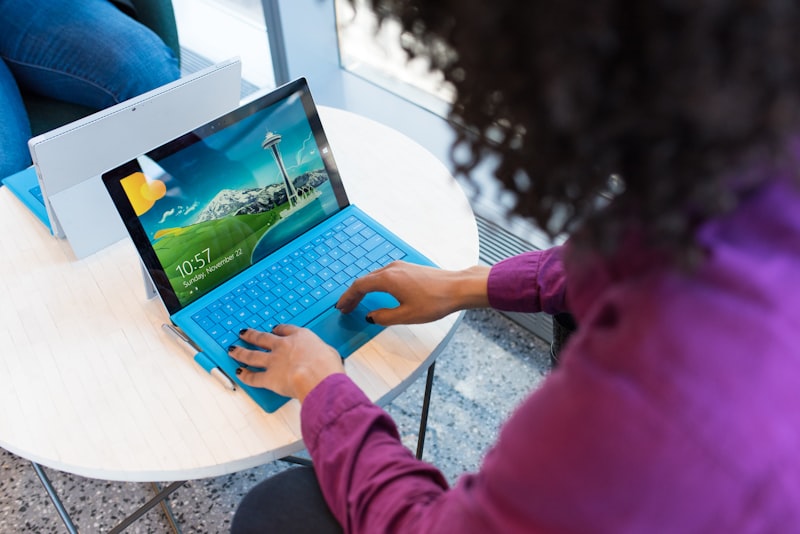
Figma's mobile mirroring is designed to feel like an extension of the desktop app: near-instantaneous sync, preserved component states, and accurate interaction mapping for touch events. The mirroring surface collapses complex desktop interactions into touch-friendly gestures while keeping visual fidelity high.
A key design decision is how prototypes translate cursor-based interactions into touch equivalents. Figma uses a ruleset that adapts hover and drag expectations into deliberate touch affordances, often presenting small in-prototype hints for mobile testers to avoid misinterpreting desktop-only behaviors.
Performance optimization shows up in incremental frame updates, prioritized asset loading, and an offline fallback that stores the last synced prototype. The teardown suggests further improvements around annotation workflows so testers can leave contextual feedback without switching devices.