HUD across platforms: an indie studio’s cross-play UI redesign for shared sessions
Gaming · 4 min read
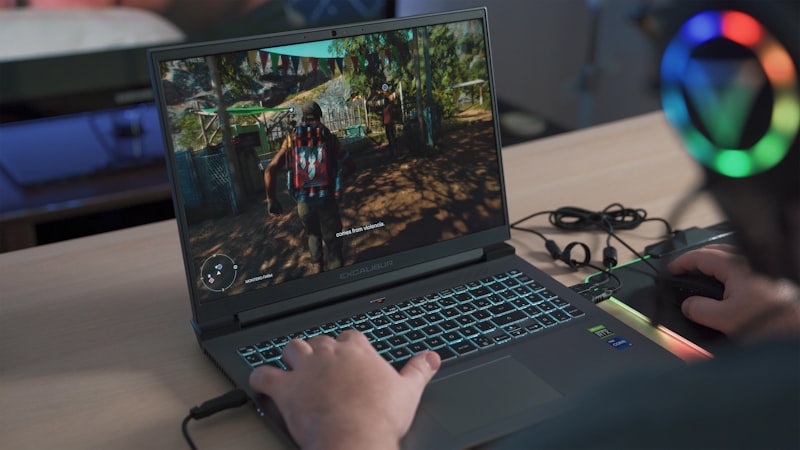
The game initially shipped with a HUD optimized for controllers; mobile players reported occluded content and confusing touch targets, while PC players found the HUD underutilized. The studio’s designers needed to decide whether to create three separate HUDs or a single adaptive system that respected platform constraints.
They implemented an adaptive HUD that reflows elements based on input method and screen profile: larger, edge-aligned touch targets for mobile, minimal overlays for controllers with radial menus, and dense info panels for keyboard players. They also introduced real-time hints that change based on detected input (e.g., “Tap to dodge” vs “Space to dodge”) and a consistent visual hierarchy so the same information occupies predictable screen regions across platforms.
Following a staged rollout, cross-play session retention increased 18% and input-error reports decreased 40%. Players praised the consistent learning curve when switching devices mid-session. The studio learned that a single adaptive design with platform-respecting affordances preserves social cohesion without fragmenting development efforts.