Unity introduces Accessibility Toolkit for inclusive game UI patterns
Gaming · 6 min read
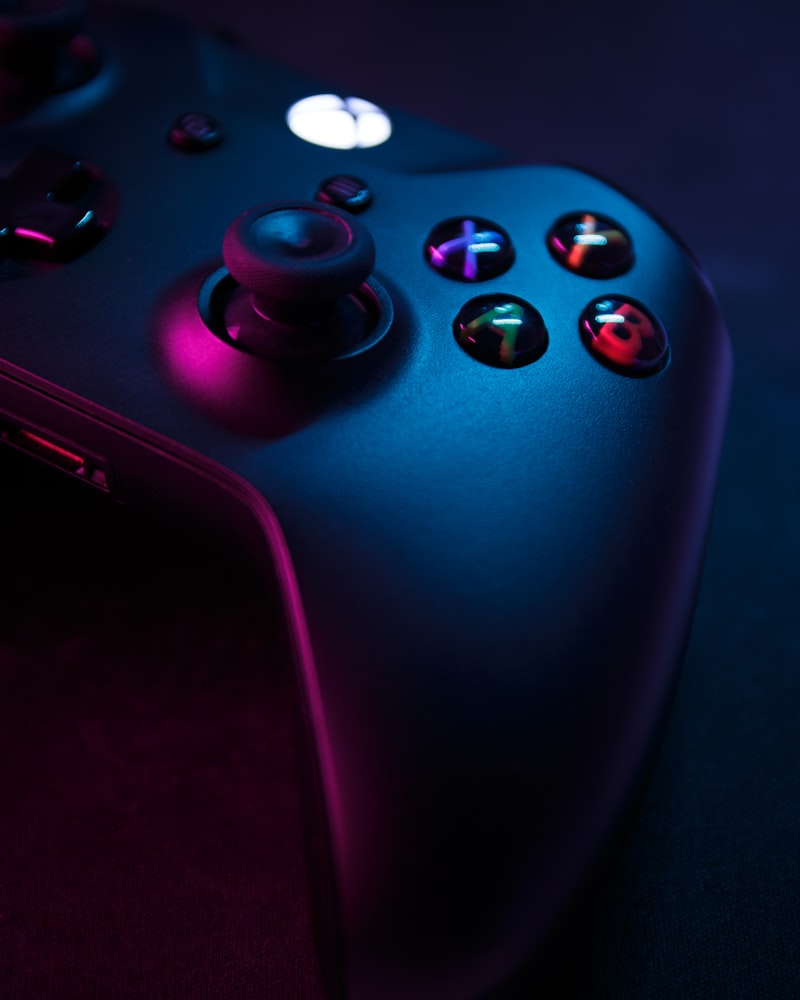
The Unity Accessibility Toolkit delivers a library of UI components and runtime helpers designed for game contexts: scalable HUD elements, focus-aware menus, remappable control bindings, and camera-stability flags for motion sensitivity. Unity also added a development-time accessibility panel that simulates common assistive scenarios like inverted color spaces, large font scaling, and controller-only navigation.
Crucially for games, the toolkit surfaces non-visual affordances — haptic patterns mapped to UI events, auditory cues with configurable frequency bands for hearing accessibility, and stateful narration hooks for dynamic scenes. These features aim to make it easier for designers to prototype accessibility alongside core game mechanics rather than as an afterthought.
Early test projects using the toolkit reported faster iteration on remapping workflows and fewer late-stage bugs related to navigation and focus. Accessibility leads say the combination of developer utilities and designer-facing prefabs helps align teams around inclusive defaults, reducing overhead when localizing and scaling interfaces across platforms.