VS Code and AI Pair Programming: Copilot's Editor Ergonomics
Tech · 6 min read
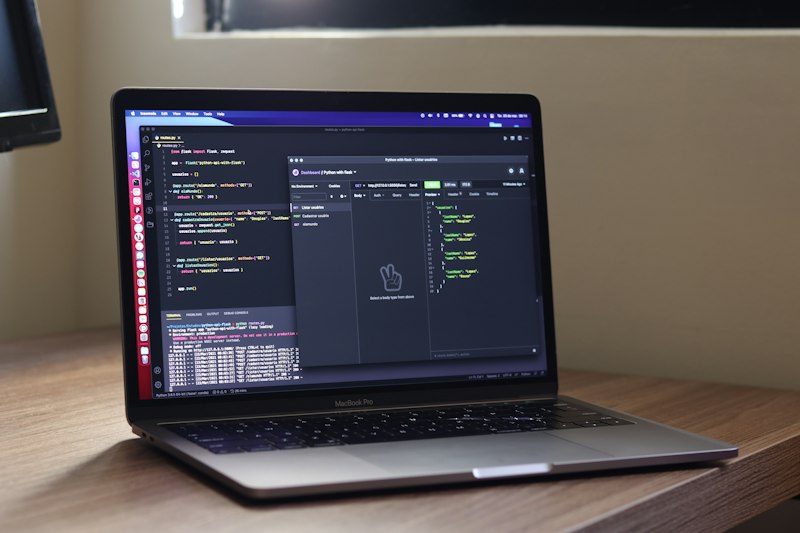
Copilot and similar assistants surfaced inline completions, block suggestions, and test scaffolding directly in VS Code. The editor team worked to ensure these suggestions are non-blocking: quick-accept keystrokes, visible confidence scores, and keyboard-first interactions keep the flow for power users.
A key change was the adaptive suggestion cadence—models throttle suggestions in noisy contexts to avoid hallucination-driven insertions. The UI also provides a suggestion history pane so developers can review previous suggestions and revert easily.
The teardown highlights that AI augmentation is most successful when it respects existing mental models. VS Code prioritized ergonomics and discoverability, enabling developers to opt into deeper assistance with minimal training overhead.